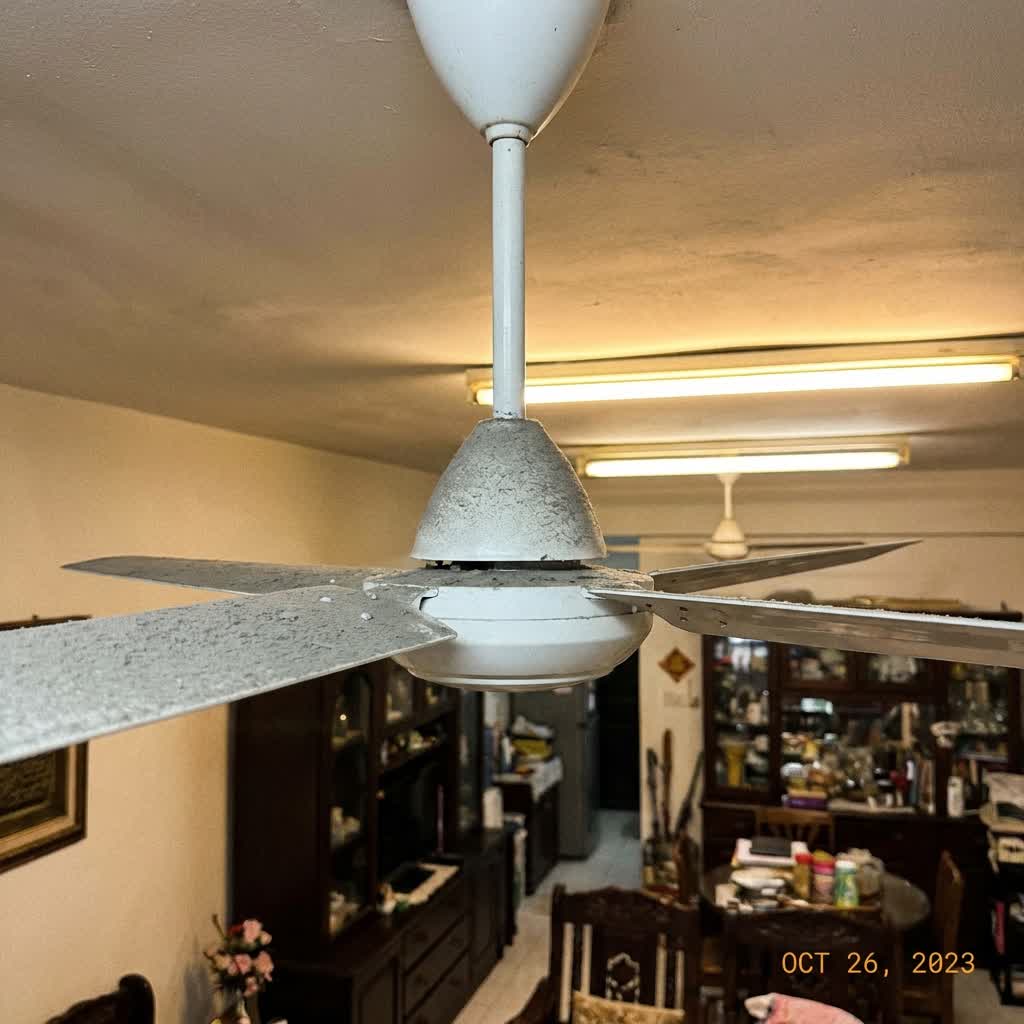
It's a hot afternoon in Malaysia, and you flip the switch to turn on your ceiling fan. You hear a hum, maybe see a slight wobble, but the blades refuse to spin. Or perhaps there's complete silence—nothing happens at all. A non-working ceiling fan during our tropical heat isn't just an inconvenience; it can make your home unbearable.
Before you panic and assume you need a brand new fan, let's walk through the most common reasons why ceiling fans stop spinning and what you can do about it. Some fixes are surprisingly simple, while others require professional help from a ceiling fan installation specialist.
Quick Check: Is It Really the Fan?
Before diving into fan-specific problems, rule out these basic issues first:
- Check the wall switch – Is it turned on? Sometimes the simplest explanation is the right one.
- Check the circuit breaker – A tripped breaker will cut power to the entire circuit. If you're unsure, read our guide on why circuit breakers keep tripping.
- Check the remote control – If your fan uses a remote, try replacing the batteries.
- Test other devices – Plug something else into nearby outlets to confirm power is flowing to that area.
6 Common Reasons Your Ceiling Fan Won't Spin
1. Dead or Faulty Capacitor
This is the most common culprit when a ceiling fan hums but doesn't spin, or spins very slowly. The capacitor is a small component that gives the motor the initial "kick" to start rotating. Over time, capacitors wear out—especially in Malaysia's humid climate. Signs include: fan needs a manual push to start, runs slower than usual, or makes a humming sound without moving. A capacitor replacement costs RM30–80 and is a straightforward fix for an electrician.
2. Burnt Out Motor
If there's a burning smell coming from your fan or it's completely dead with no hum at all, the motor may have burnt out. This usually happens due to age, overheating, or electrical surges. Unfortunately, motor replacement often costs more than buying a new fan. In most cases, it's more economical to replace the entire unit.
3. Stuck or Seized Bearings
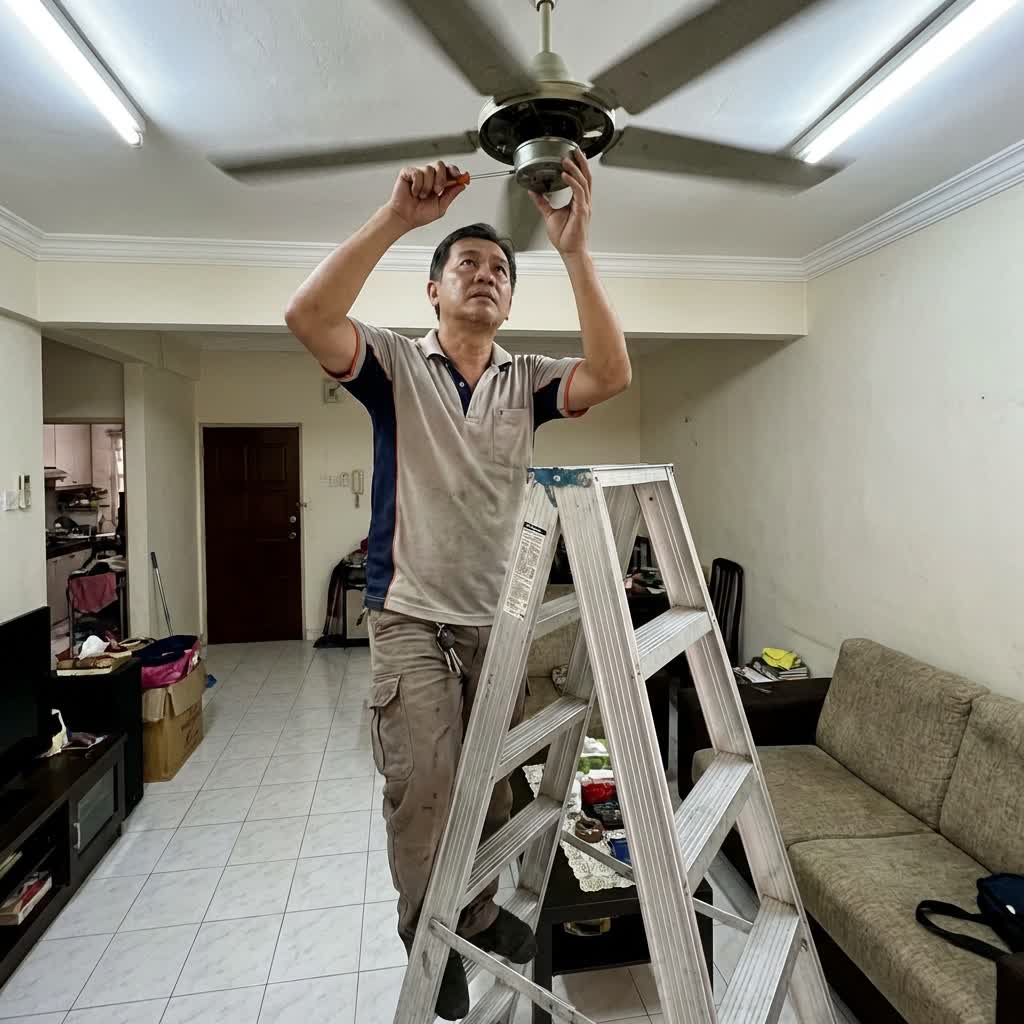
Ceiling fans have bearings that allow the motor shaft to rotate smoothly. Dust buildup, lack of lubrication, or wear can cause these bearings to seize. Signs include grinding noises, difficulty spinning, or the blades stopping mid-rotation. Sometimes a good cleaning and lubrication can solve this. Use a non-detergent motor oil—never WD-40, which can actually damage the bearings.
4. Loose or Disconnected Wiring
Vibration from the fan's operation can loosen wire connections over time. This may cause intermittent operation or complete failure. Loose wiring at the ceiling junction box, the fan's motor housing, or the wall switch can all be responsible. This requires turning off the power and inspecting connections—a job best left to a licensed electrical repair professional.
Safety Warning
Always turn off the circuit breaker before attempting any ceiling fan repairs. Working with electrical components while power is on can cause serious injury or death. When in doubt, call a professional.
5. Faulty Wall Switch or Pull Chain
The problem might not be with the fan at all—it could be the switch controlling it. Wall switches and pull chain mechanisms wear out over time. Test by bypassing the switch (have an electrician do this safely) to see if the fan runs. If it does, you've found your culprit. Switch replacement is a quick and affordable fix.
6. Internal Speed Control Failure
Many ceiling fans have internal speed controllers or electronic modules that regulate how fast the blades spin. When these fail, the fan may not respond to speed changes or may stop working entirely. This is common in fans with remote controls or smart features. The controller may need replacement, which requires matching the correct part to your fan model.
DIY Fixes You Can Try
Some ceiling fan issues have simple solutions you can handle yourself:
- Clean the fan thoroughly – Dust buildup on blades and motor housing can cause overheating. Use a damp cloth to wipe down all surfaces.
- Oil the motor – Some fans have oil ports near the motor. Add a few drops of SAE 10 or 15 non-detergent motor oil. Don't use cooking oil or WD-40.
- Check blade alignment – Bent or misaligned blades create drag and stress the motor. Gently bend blades back to alignment.
- Replace the capacitor – If you're comfortable with basic electrical work, capacitor replacement is straightforward. Match the capacitance (µF) exactly.
- Reset the remote receiver – Some fans have a reset button in the canopy. Turn off power, wait 30 seconds, and turn back on.
When to Call an Electrician
While some fixes are DIY-friendly, certain situations require professional help:
- Burning smell or visible scorch marks
- Sparking from the fan or switch
- Multiple fans or lights on the same circuit not working
- You're uncomfortable working with electrical wiring
- The fan is old (15+ years) and showing multiple issues
- You suspect wiring problems inside walls
Professional electricians can diagnose problems quickly and safely. They'll also ensure your fan is properly balanced and securely mounted—important for both performance and safety.
Should You Repair or Replace?
Here's a general rule of thumb:
- Repair if the fan is less than 10 years old and the fix costs under RM200
- Replace if the motor is burnt, the fan is over 15 years old, or repair costs exceed 50% of a new fan's price
- Replace if the fan was budget-quality to begin with—modern fans are more energy-efficient
Quality ceiling fans from brands like KDK, Panasonic, and Fanco can last 20+ years with proper maintenance. Budget fans may only last 5–7 years.
Preventing Future Problems
- Clean monthly – Dust the blades and motor housing regularly
- Oil yearly – If your fan has oil ports, add lubricant once a year
- Balance check – If the fan wobbles, use a balancing kit
- Use surge protectors – Electrical surges can damage fan motors and electronics
- Professional inspection – Include ceiling fans in your annual electrical safety inspection
Conclusion
A ceiling fan that won't spin is usually fixable—whether it's a simple capacitor replacement or a wiring issue that needs professional attention. Start with the basic checks, try the DIY fixes if you're comfortable, and don't hesitate to call an electrician for anything beyond your skill level. Keeping cool in Malaysia is essential, and a properly working ceiling fan is one of the most energy-efficient ways to do it.